Nano Banana 2
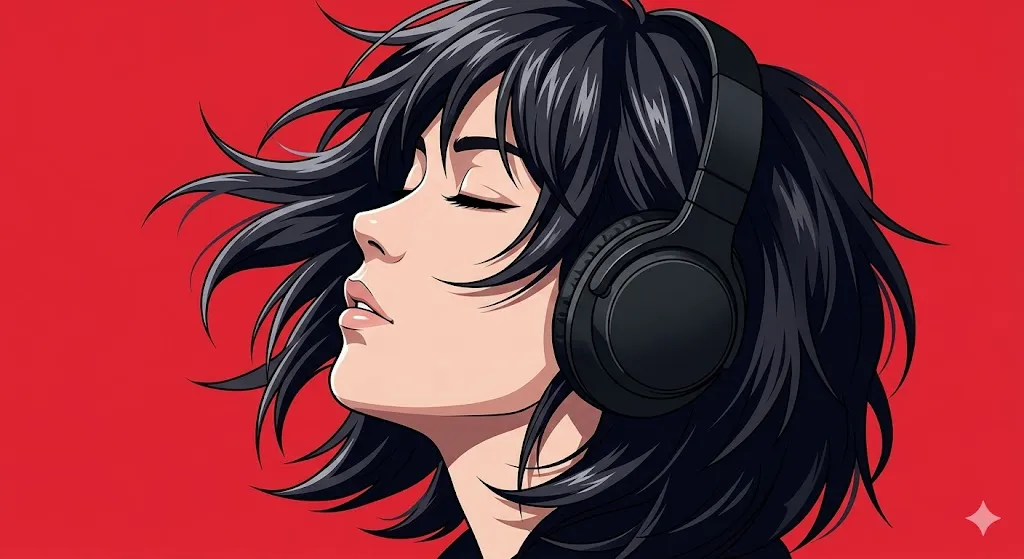
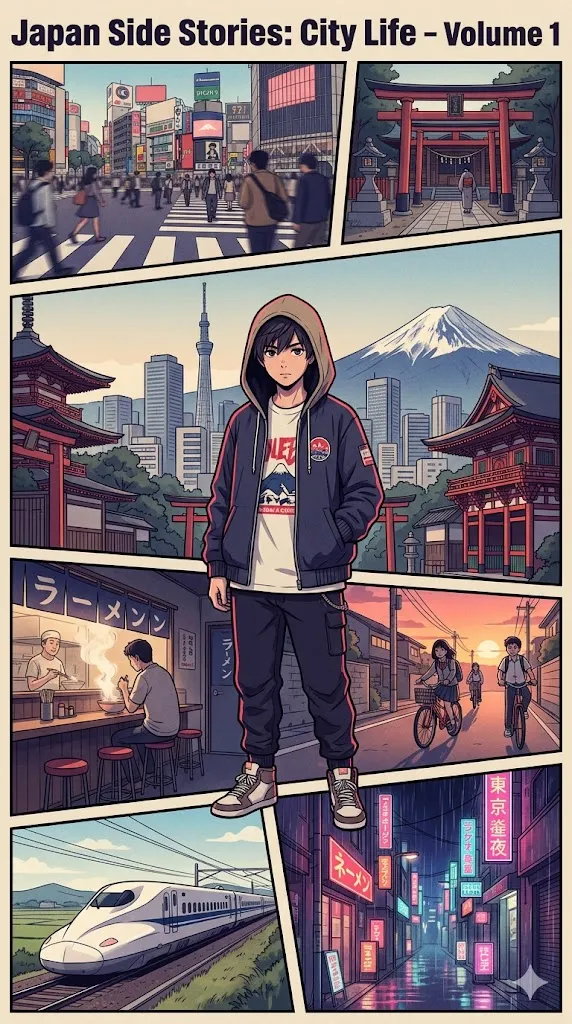
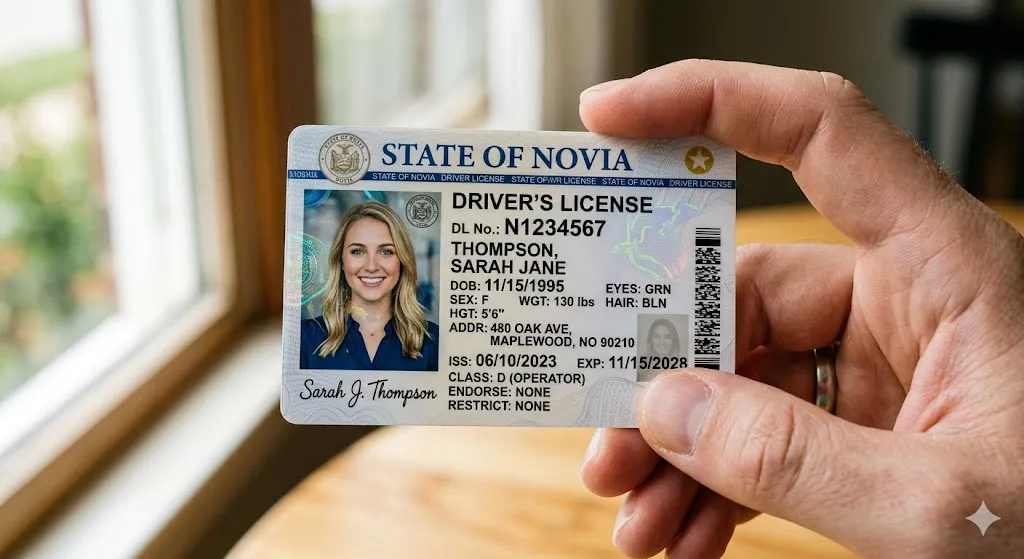
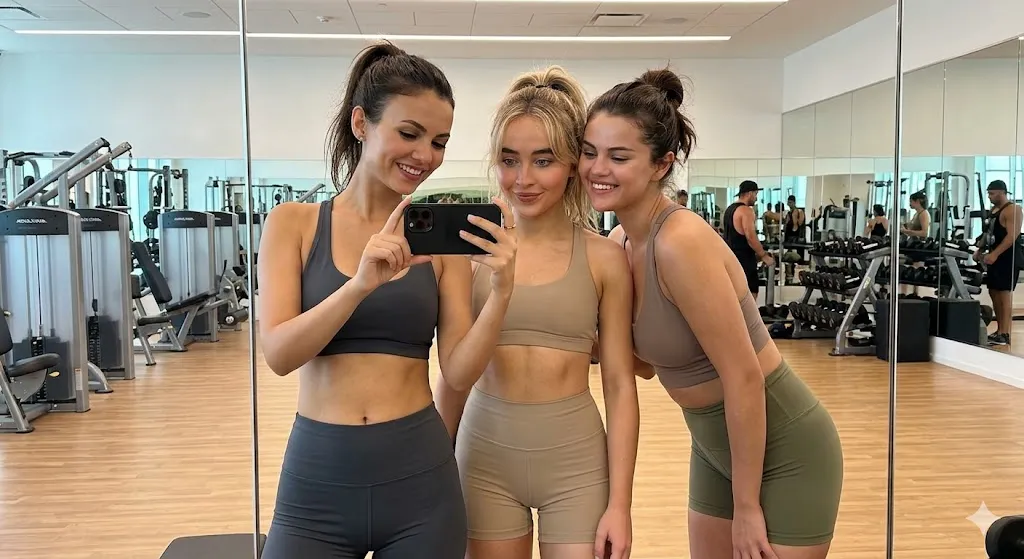
Google's latest state-of-the-art AI image generation and photo editing model (Gemini 3.1 Flash Image). Delivers Pro-level reasoning, subject/character consistency, accurate text rendering, and production-ready 4K visuals at Flash speed.
Overview
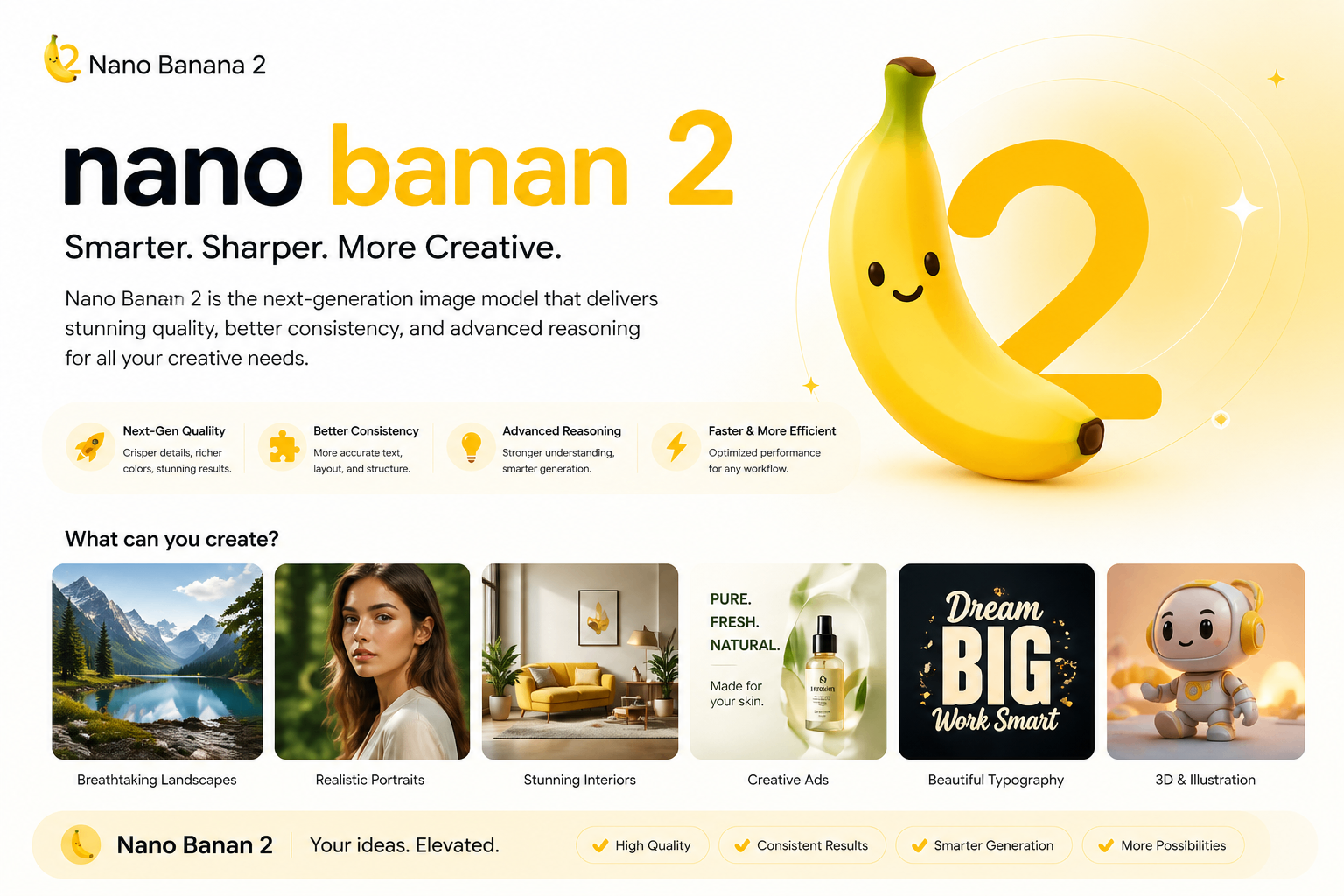
Nano Banana 2 is Google's flagship image generation and editing model, powered by Gemini 3.1 Flash. Released in February 2026, it combines the advanced visual reasoning, world knowledge, and consistency of Nano Banana Pro with the lightning-fast performance of the Flash tier. It is accessible directly in the Gemini app via the "🍌Create images" tool and supports both text-to-image generation and image-to-image editing.
Key Strengths
- Speed + Quality: Generates high-fidelity images (native 2K, up to 4K) significantly faster than Pro models while retaining near-Pro visual intelligence.
- Advanced Reasoning: Built-in "Thinking" mode for complex scene planning, cultural awareness, and precise prompt interpretation.
- Consistency & Control: Excellent subject/character consistency (up to 5 characters, 14+ objects), style adherence, and reliable image editing.
- Text Rendering: Produces highly accurate, legible text in 100+ languages — a major leap over previous models.
- Production-Ready: Ideal for high-volume workflows, product mockups, ad variations, campaigns, and professional creative pipelines.
- Editing Power: Upload any photo and edit via text prompts with strong spatial understanding and physics-aware lighting.
Limitations
- No Native Video: Pure image model (video features require separate models or post-processing).
- Access Tiered: Full "Pro" capabilities and higher limits require Google AI Pro/Plus/Ultra subscription; free tier has daily quotas.
- Prompt Sensitivity: Extremely detailed or contradictory prompts may still produce minor artifacts (though far fewer than earlier models).
- Resolution Trade-offs: Optimal speed at 2K; 4K upscaling is available but slightly slower.
How to Write Prompts for Nano Banana 2
Nano Banana 2 excels with clear, structured, descriptive prompts. Use the "Thinking" mode for complex scenes.
- Basic Structure: [Subject] + [Action/Scene] + [Environment & Lighting] + [Style & Quality] + [Camera/Composition].
- Editing Prompts: Start with "Edit this image to..." or simply describe changes after uploading.
- Emphasis: Use parentheses for weighting, e.g.,
(dramatic cinematic lighting:1.4). - Negative Prompts: Supported in most interfaces — use for artifacts: "blurry, deformed, low resolution, text errors, artifacts, watermark".
- Advanced Tips:
- Reference real-world knowledge: "in the style of Studio Ghibli" or "photorealistic product shot for Apple Vision Pro".
- Lock consistency: Upload reference images for characters/objects.
- Iterate quickly: Use the same seed or regenerate with slight prompt tweaks.
Example Prompts:
- "A cyberpunk samurai cat standing on a neon rooftop at night, rain reflections, cinematic lighting, ultra-detailed 4K"
- "Professional product photo of a sleek wireless earbud on a marble surface, soft studio lighting, clean minimal background, commercial advertising style"
- "Transform this photo into a hyper-realistic oil painting of the same person as a Renaissance noble, dramatic chiaroscuro lighting"
Access & Usage
- Gemini App: Select 🍌Create images → choose "Fast" (Nano Banana 2) or "Pro".
- AI Studio: Available as "Gemini 3.1 Flash Image (Nano Banana 2)" for developers.
- Third-Party: Integrated in platforms like Higgsfield, OpenArt, Artlist, etc.
Nano Banana 2 represents the current gold standard for fast, intelligent, production-grade AI image creation and editing.
Nano Banana 2 Prompts
9 examples